
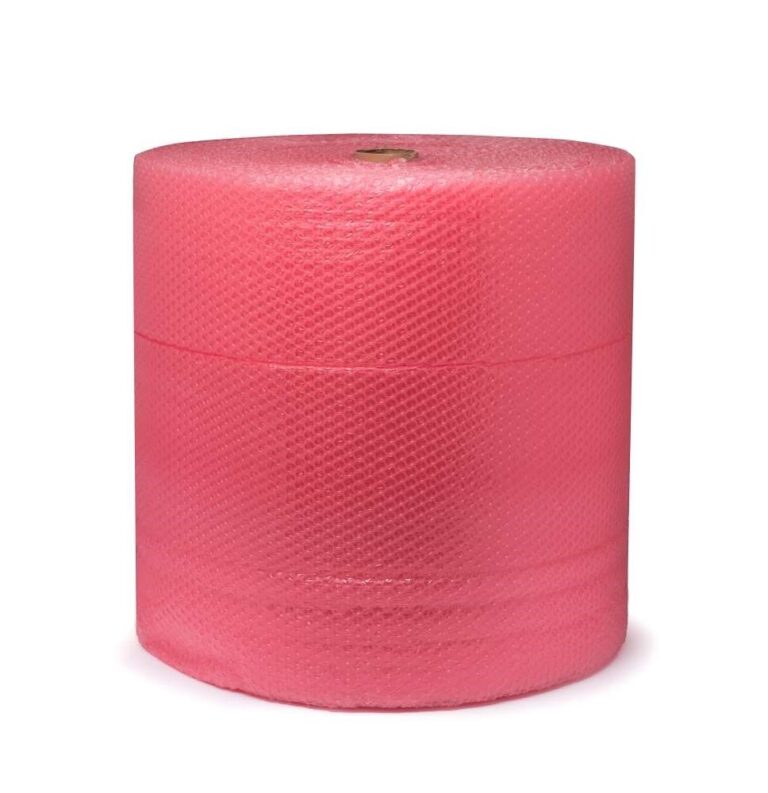
In the case of a graphics card, the packaging must match against mechanical loads and the protection of sensitive electronics. A soft padding alone does not fulfill every task. Therefore, first prepare the appropriate inner packaging and then select a suitable outer carton.
Check manufacturer’s packaging and instructions
If the original packaging with the matching inserts and the corresponding protective bag is still completely available, it offers a good starting point. Check their condition and replace damaged parts with suitable solutions. An empty original box without the intended bets does not automatically hold the card securely in its place.
See the card manufacturer’s manual for handling. NVIDIA For example, in Brief instructions for: RTX PRO Blackwell at the risk of electrostatic discharges and recommends keeping the card at the edges and not touching contacts and circuits. You should check the specifications for your own model before packing.
A suitable ESDSelect packaging
ESD stands for electrostatic discharge. For a sensitive electronic building block, which protective functions a packaging material actually possesses counts. The terms “antistatic” and “shielding” do not describe the same property. The colour of a foil is also not sufficient as proof.
The ESDPackaging manufacturers Desco explains the limits of pink-poly-beutles: A reduced charge of the material does not automatically mean protection against external electrostatic agents. Choose an expressly suitable transport ESDPackaging according to the manufacturer’s specifications. An ordinary plastic bag or any bubble wrap should not be used directly as a replacement for the required protective bag.
Fix the card without pressure on sensitive parts
Carefully place the card in the appropriate protective packaging and close it according to your instructions. The size should provide enough space without plugs or edges blowing through the bag. Do not attach adhesive tape directly to the board, the connections or fan parts.
Place the protected card in a suitable inner packaging with matching inserts or matching padding. Fans, connectors and protruding parts shall not be under concentrated pressure. Heavy accessories are attached separately so that it cannot hit against the card. The card should be quiet inside the package and not move freely.
Outer carton and final inspection
Choose a sturdy outer carton that offers space for protective intermediate layers in addition to the inner packaging. Fill remaining cavities without compressing the inner packaging. By carefully moving, check whether everything stays in place and close the box carefully. Remove old shipping labels and attach the new marking on a flat surface. Suitable packaging reduces risks, but does not guarantee the integrity or later function of the graphics card.
Comments
No comments yet. Share your experiences on this topic.